1
Set up your business
Add your business name, logo, products, first customers, and first monthly or yearly card.
- Profile and products
- Customer import
- Card setup
Monthly Cards gives busy vendors a clear path from setup to daily operations to growth, on the plan that fits.
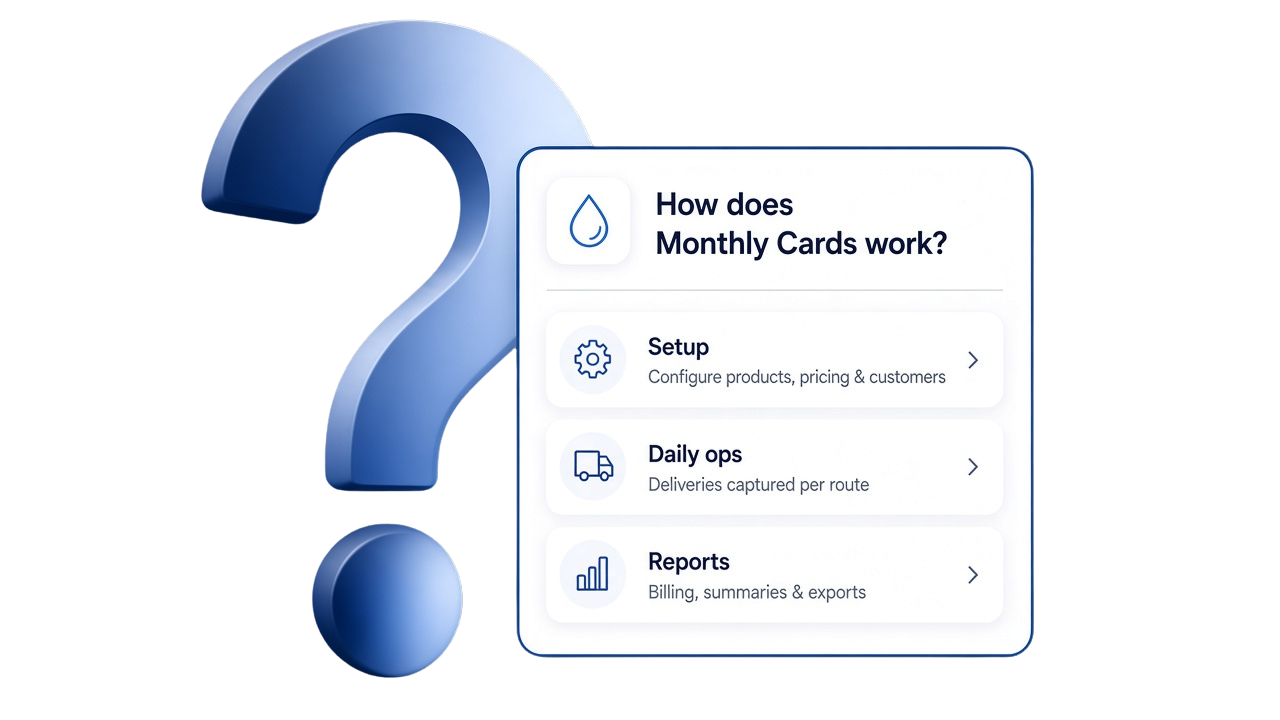
From morning routes to the evening report
Morning check routes
During delivery scan QR
Collection UPI
Evening daily report
Add your business name, logo, products, first customers, and first monthly or yearly card.
Plan routes, assign drivers, record deliveries, collect UPI or cash payments, and message customers.
Use dashboards and reports to renew expiring cards, issue invoices, and plan the next month.
Day in the life
| Time | Activity | Feature area |
|---|---|---|
| Morning | Check dashboard, routes, and orders | Reports and routes |
| During delivery | Scan QR, record delivery | Customers |
| Collection | Record UPI or cash payment | Payments |
| Afternoon | Add subscriber, send WhatsApp reminder | Cards and communication |
| Evening | Review daily report and driver handover | Reports |
| Month-end | Review renewals and choose Monthly or Yearly if you outgrow Free Plan | Pricing |
Start with Free Plan for up to 20 customers, or choose Monthly or Yearly when you need up to 1,000 customers and 10 drivers.
Setup FAQ
Most vendors can start by adding a business profile, products, first customers, and monthly cards in the first setup session.
Yes. The Free Plan supports up to 20 customers, so you can test the workflow before moving to Monthly or Yearly.